How to create a teacher account
Create a student account
Users can sign up to the platform by themselves using the sign up page.
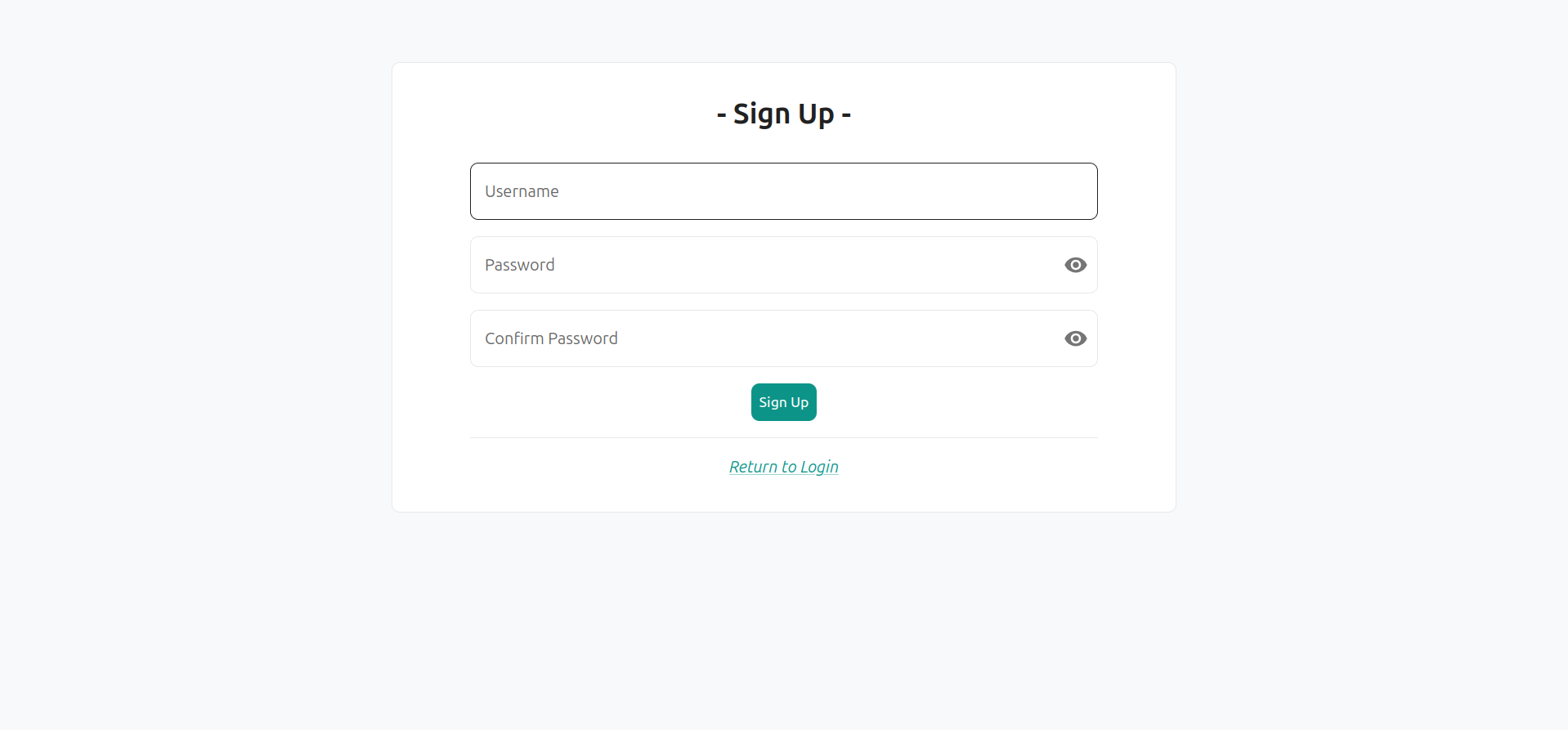
Upon creation, all accounts have the "student" role.
After creating this student account, log out.
Change a student account to teacher privileges
Use the main admin account radioweb to connect yourself as an admin.
The default admin credentials are radioweb and radiowebpass.
Important
It is strongly recommended that you change radioweb's password using the account management page in the top-left corner.
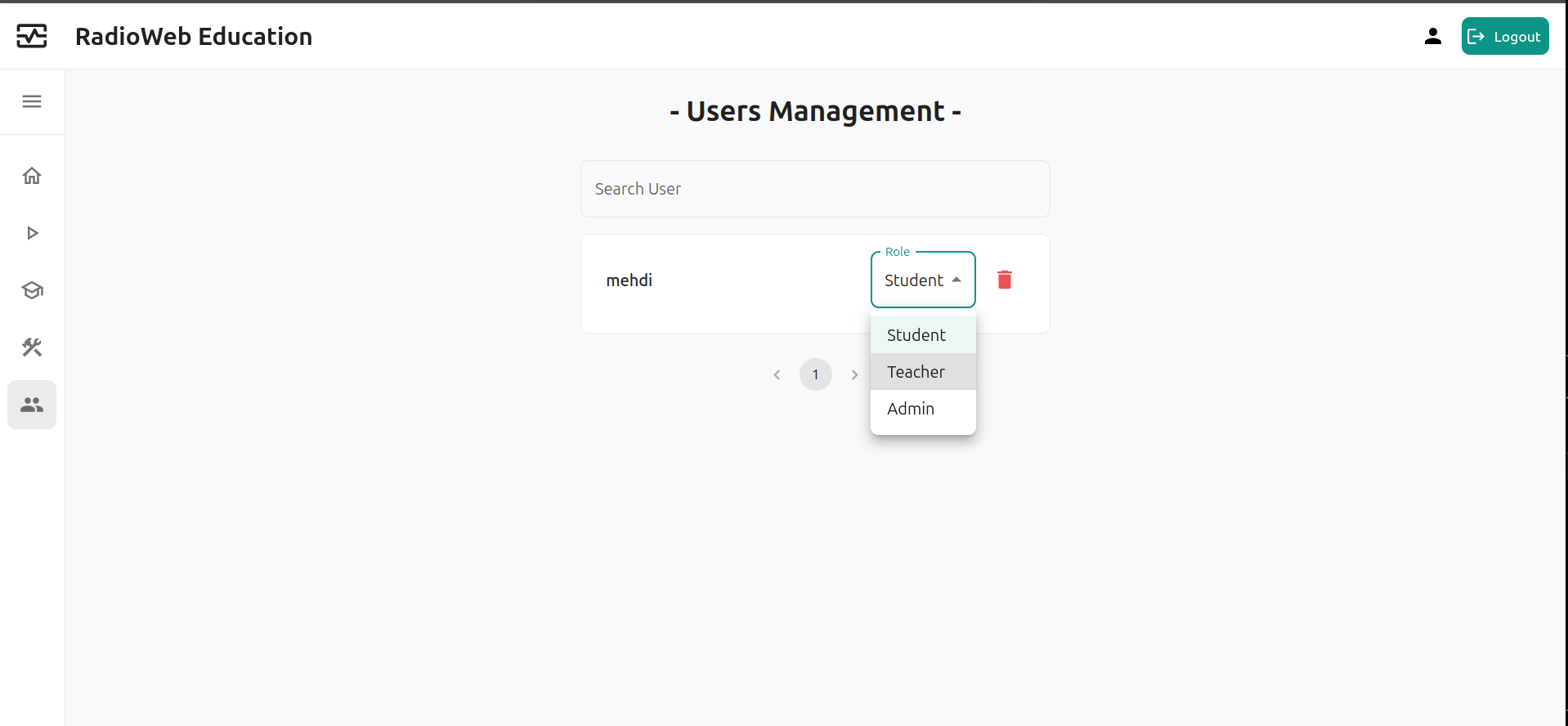
Go to the user management page using the navigation bar on the left-hand side. Change the role of the student account you just created.
Log back in to your new teacher account
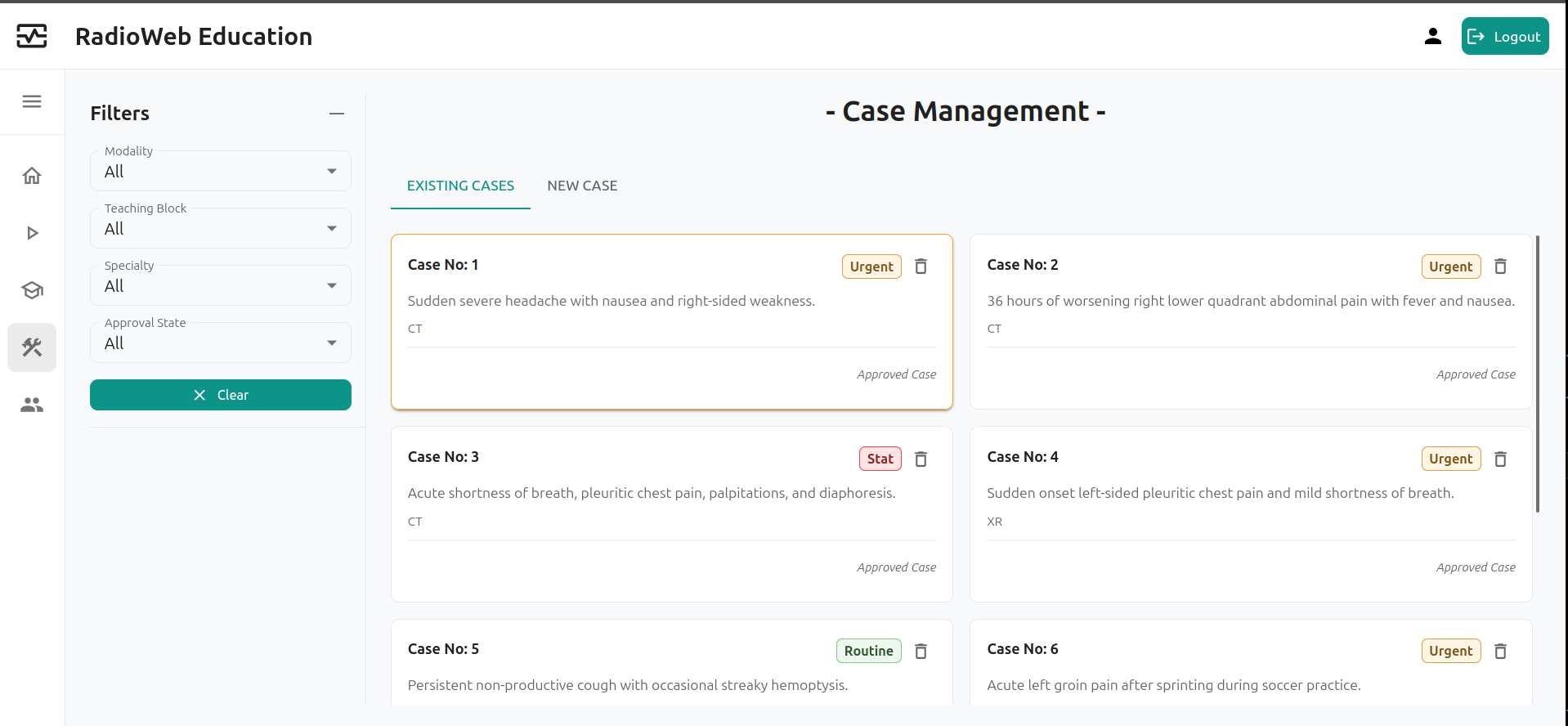
You can now log back in to the teacher account. You now have access to the case management page.
Giving admin privileges to an account
You can follow the same path to give admin privileges to another account.